Brand.
Logo, colour and type
The HeyPCB logo, its two editions, its colours and its type, with the rules for using them. Use the files as they are.
ZIP · 665 KB · 51 files
01 · Logo
A die on a tile.
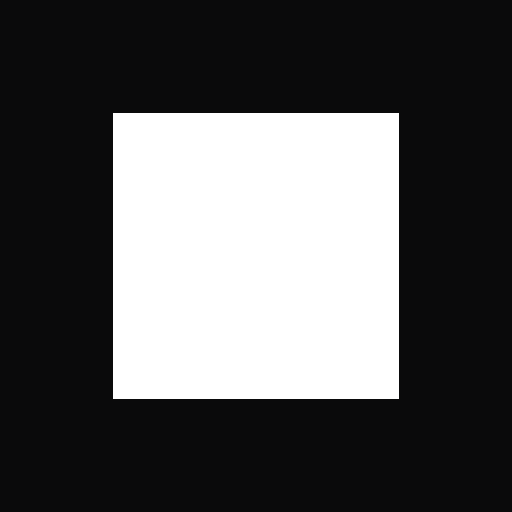
The mark is a light square die on a near-black square tile. The wordmark is heypcb, set in Geist SemiBold. The lockup puts the two side by side, and it is the default.

- The mark comes first, then the word, on one line.
- Use the files as they are. Never retype the wordmark or redraw the mark.
- In text, write the name HeyPCB: one word, the H and PCB in capitals.
- The lowercase heypcb is the wordmark: the logo the site wears, artwork only. Never type it into a sentence.
- Where the logo should read as the name is written (print, press, partners), use the HeyPCB lockup.
- A label set in mono capitals keeps its capitals: DESIGNED BY HEYPCB.
Lockupmark + wordmark
Wordmarkheypcb
HeyPCB lockupthe capitalised name
HeyPCB wordmarkHeyPCB
Markthe die on the tile
Store headBare board
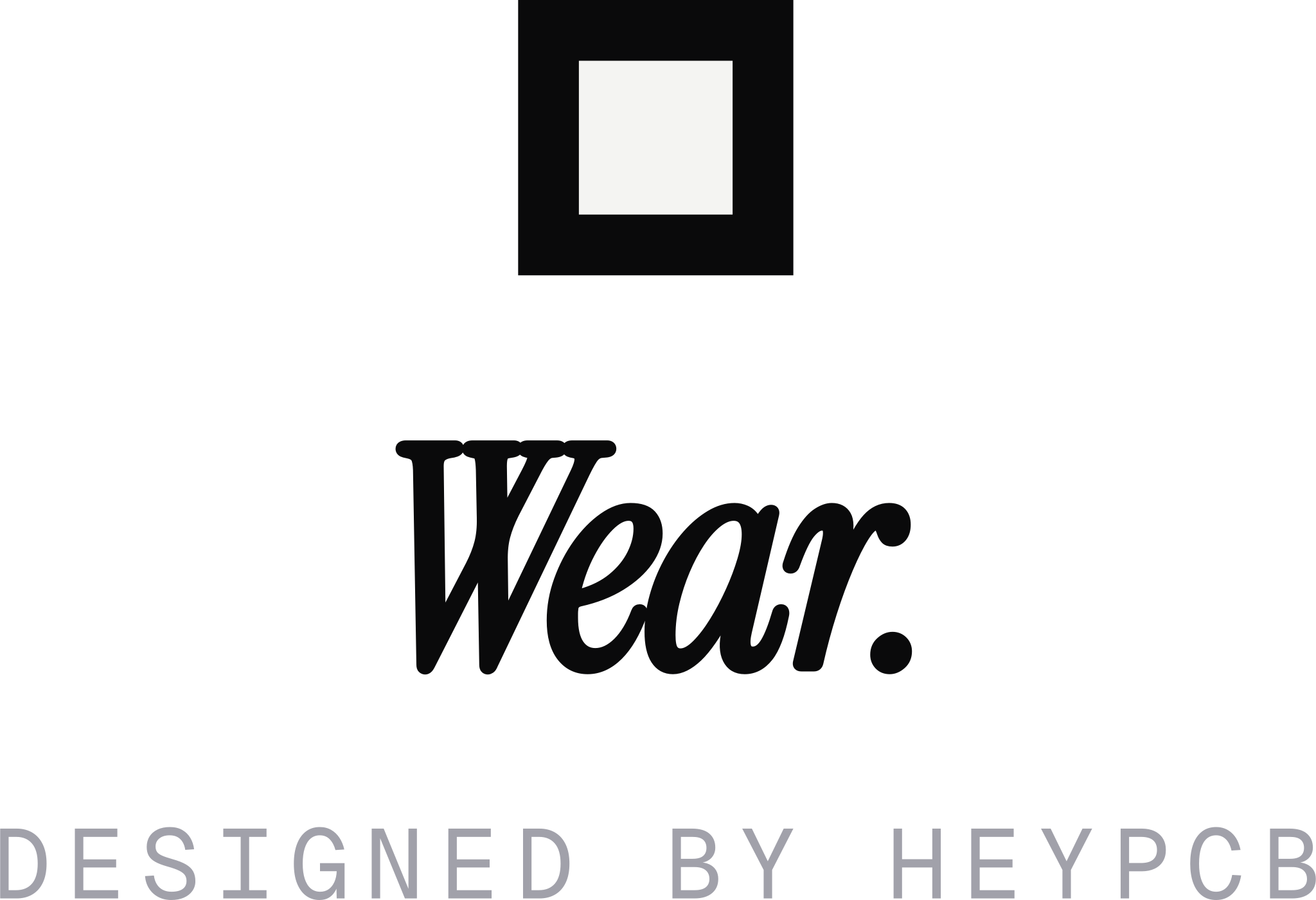
Wear headBare board
Every file on this page in one: heypcb-brand-kit.zip, 665 KB. The SVGs carry no fonts: every word is outlined. The grounds are transparent and each file is cropped to its ink.
02 · Construction
Built on a 512 grid.
The tile is 512 units square. The die is 286 units square and sits 113 units in from every edge. Every corner is square, at every size.
- In the lockup the mark is as tall as the word is set, and half that height away from it.
- The mark sits centred on the line of type, so it rises above the letters and the y and p fall below it.
- Never round, clip or bevel a corner. A softer frame, like a round avatar, goes around the mark, never on it.
03 · Clear space and size
Half a mark of air.
Keep half the mark's height clear on every side of the logo. It is the gap the lockup keeps between its own mark and word, so nothing comes closer to the logo than its parts come to each other.
Smallest size
The die's inset, 22.1% of the mark, closes up first. These are the sizes where it still holds.
- Nothing enters the clear space but a small credit line, such as POWERED BY above the lockup: no rule, no edge of a picture, no other logo. More space is always fine.
- The wordmark alone keeps the clear space it would have beside the mark.
- Below the smallest size, use the mark alone, or nothing.
04 · Colourways
Chosen by the ground.
On a light ground the tile is dark and the die is light. On a dark ground the mark inverts: the tile turns white and the die takes the colour of the ground. Pick the file by what it sits on.

- On white and light grounds use Ink, or Black where only one colour prints.
- On dark grounds, photographs and the board's navy use White, the mark inverted.
- One colour per file: the white tile's die is the ground showing through, never a second ink.
- The logo has no colour of its own. It is never violet, red or blue.
05 · Misuse
What breaks the mark.
Real renderings of the mistakes. If your artwork looks like one of these, use the files instead.
06 · Motion
Only the die moves.
While Inky works, the die turns a quarter turn on every second of the clock and comes to rest, and a light walks round the mark: the light the board wears while Inky edits it. At rest the mark is still.
- The die turns a quarter at a time and lands on the shape it left, because it is square.
- The tile never moves. The mark never bounces, grows, spins freely or fades in on its own.
- Everything else on a page settles slowly, in about a second, with no spring.
- Under reduced motion nothing turns.
07 · Two editions
One brand, two editions.
HeyPCB is set two ways. Datasheet is the product's page. Bare board is the shop's page. Both use the same mark, the same three typefaces and the same black and white.
- For
- DatasheetThe product: heypcb.ai, the editor, Circuit World and the blog.
- Bare boardWhat heypcb makes and sells: the store and Wear.
- Ground
- DatasheetWhite paper, a dot grid, hairlines that end in registration ticks.
- Bare boardWhite. Nothing behind the product.
- Headline
- DatasheetInstrument Serif, two to six words, one of them in italic.
- Bare boardInstrument Serif for the name alone, its last word in italic.
- Labels
- DatasheetGeist Mono capitals, numbered like figures in a manual.
- Bare boardGeist Mono capitals for every label, button and price.
- Colour
- DatasheetNeutral ink. A hue only where it means something.
- Bare boardBlack and white. No hue at all.
- Corners
- Datasheet10 px on buttons and fields, 16 px on panels.
- Bare boardSquare, everywhere.
- Picture
- DatasheetReal boards, the editor's own parts, halftone plates.
- Bare boardThe product alone, floating on white.
- Motion
- DatasheetA slow settle: lines rise out of a mask, figures open.
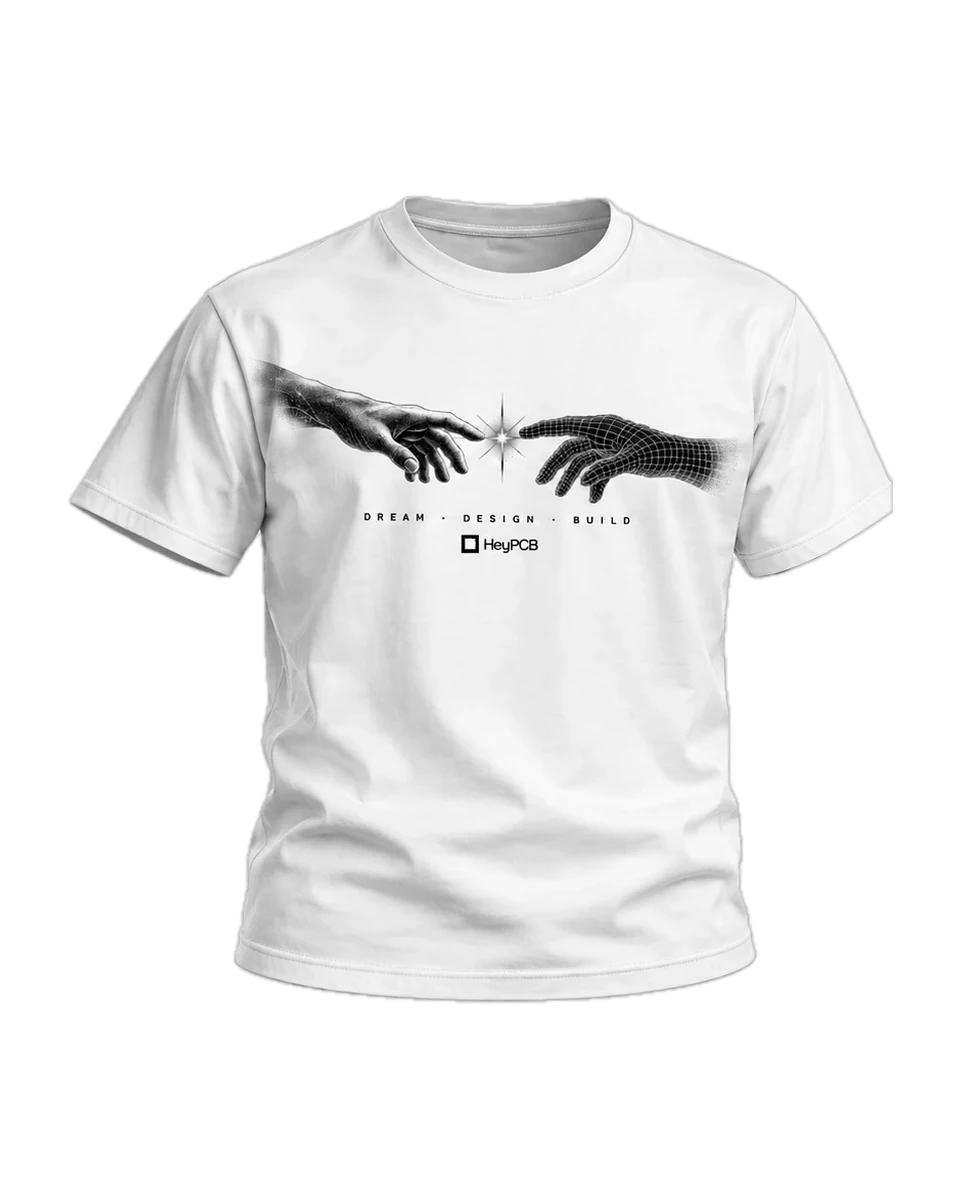
- Bare boardAlmost none: the head rises, a garment turns round under the pointer.
08 · Datasheet
The printed sheet.
A technical sheet with the product as its only picture. Every page reads like a manual: one serif heading, mono captions numbered as figures, hairlines that end in registration ticks, and a real board where another site would put an illustration.
The rule
A hairline that ends in registration ticks divides a sheet.
The caption
Fig. 05 · open hardware
Geist Mono capitals in Dim, numbered down the page.
The buttons
A verb and an object, in the page's ink, rounded at 10 px.
The halftone wordmark
It closes the landing page. It is a figure, never the logo.
The stages
The editor's grounds. A framed board or sheet keeps them in both themes.
- One serif heading per section, two to six words, one word in italic.
- Sections are divided by space, a soft fade or a ticked rule. Never a heavy border or a coloured band.
- The picture is the product and it is real: a baked board, the editor's own part, a halftone traced from a real machine. Never stock imagery, an icon grid or a drawing of a screen.
- A hue is a signal: violet is Inky, red is the Hardware Challenge, blue is a link.
09 · Bare board
Nothing but the product.
The shop's page. White, the product floating with nothing behind it, every label in small mono capitals, every corner square. The name is the only serif left.
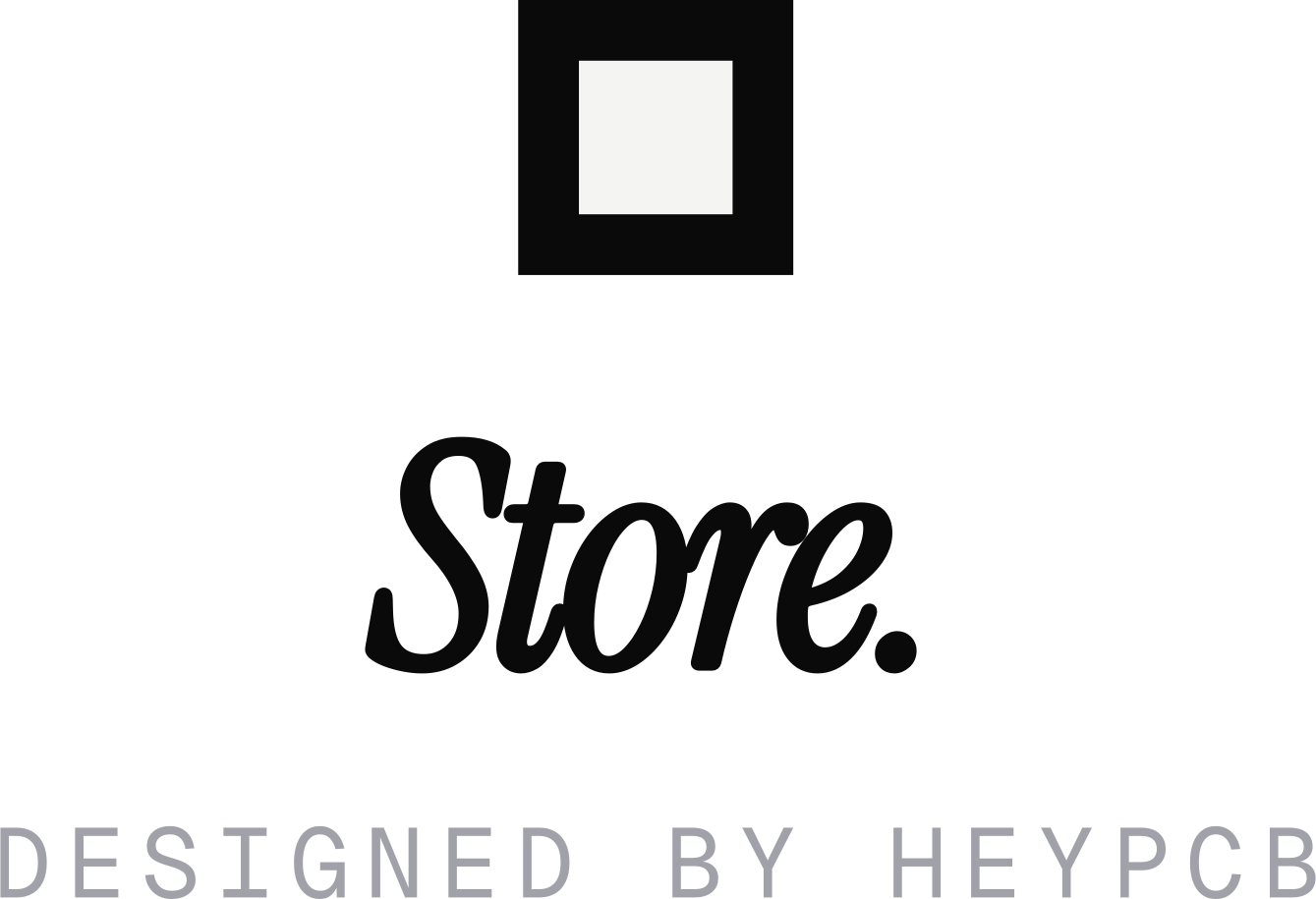
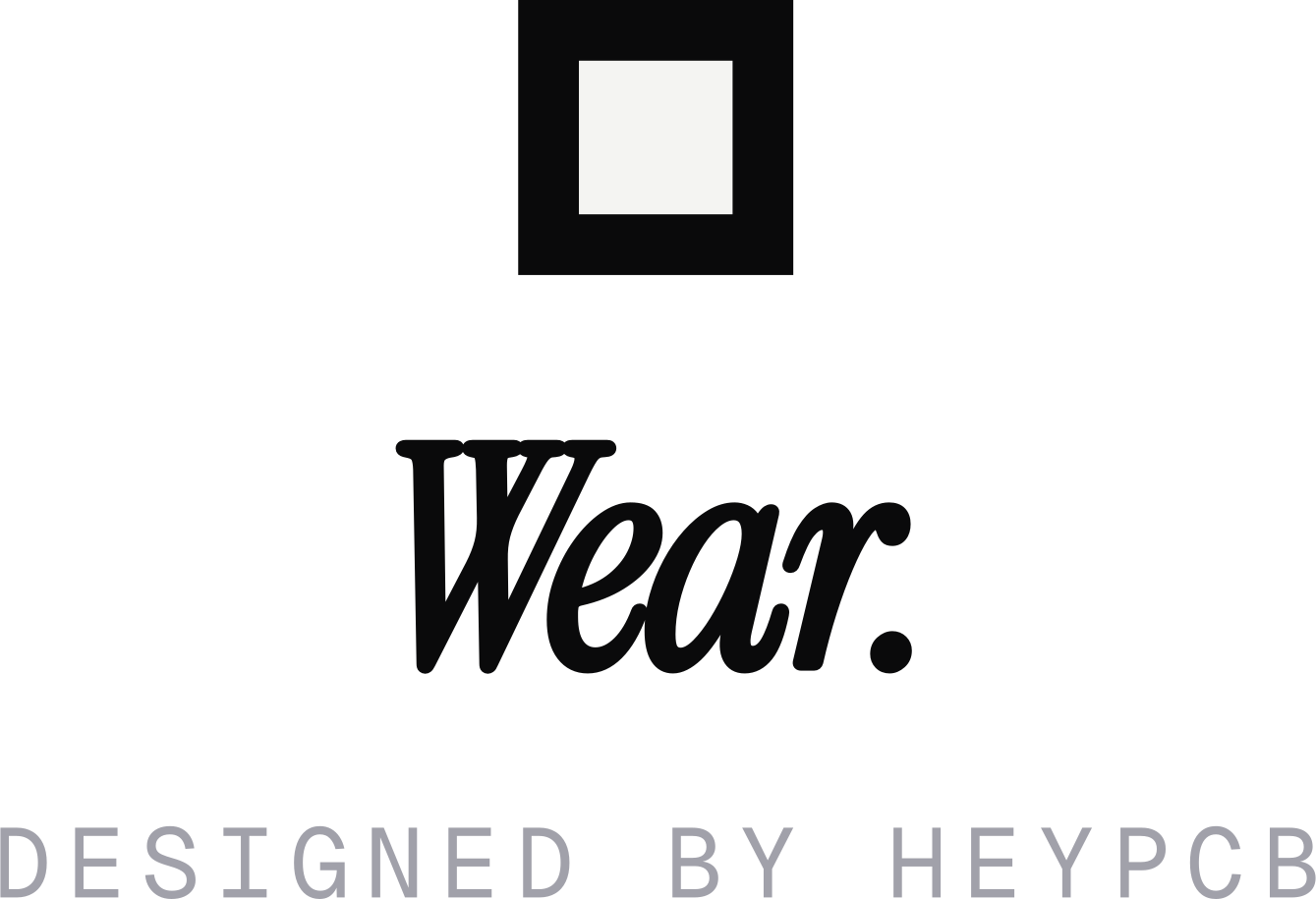
The bag's own parts, from the class strings Wear and the store share: a label, a row of square choices with the chosen one filled, the totals as plain rows, and one black bar.
- No ground anywhere: no grey tile, no card, no dot grid. A white shirt keeps its edge by its own shading.
- Every label, button and price in Geist Mono capitals, tracked out between 0.06 and 0.16 em.
- Square corners on everything: fields, buttons, choices and pictures.
- One black bar per screen, for the one action on it.
- The serif is for names alone: the head's Store. or Wear., and a product's name with its last word in italic.
10 · Colour
Black, white and signals.
The palette is the site's own. Where a colour changes with the theme, the narrow strip is its dark value. Select a swatch to copy it.
Core
The mark's two colours, and the paper and ink every page is set in.
Neutrals
Zinc greys for body copy, captions and hairlines. Both editions use them.
Signals
A hue means something. Datasheet only, and never as decoration.
Stages
The editor's own grounds. A board or a sheet keeps its stage in both themes.
The palette as filescssjsonase
- Bare board uses Core and Neutrals only.
- A hue is never decoration. No gradients and no glows on a ground.
- The mark's tile and die never change with the theme.
11 · Type
Three faces, three jobs.
A serif to be looked at, a sans to be read and a mono for what is literal. All three are free under the SIL Open Font License.
Build something real.
Set heavy and tight, at -0.03 em, with one word in italic. Never for body copy, labels or anything under 16 px.
Describe a board. Inky draws the schematic, lays out the board and checks both.
Body at 14 to 16 px on 1.6. The wordmark is Geist SemiBold at -0.025 em, and it is artwork: use the file.
Fig. 01 · Designed by heypcb · $45
Capitals tracked out from 0.06 to 0.16 em, at 10 to 13 px. A mono word says it is a literal: a label, a value, a part.
The scale
Two sizes where there are two: a phone, then a laptop.
12 · Voice
Say what it is.
Short sentences that end in a full stop. Concrete nouns over abstractions. Say what happens, not how it feels.
Write
Not
Write: Build something real.
Not: Supercharge your hardware workflow!
Write: Describe it. Get a board.
Not: The magical AI that designs PCBs effortlessly.
Write: Ships as soon as the first run is made.
Not: Shipping soon, stay tuned!!
- Headlines are two to six words that end in a full stop, with one word in italic.
- Say what a thing is or what to do, in plain full sentences. Name the thing: board, part, net, route, pad, sheet.
- A number on a page is measured, never typed. No counts of users, no testimonials, no star ratings.
- No exclamation marks, no em dashes and no emoji.
- Never seamless, effortless, magic, revolutionary or supercharge.
- The assistant is Inky. The company and the product are HeyPCB.
13 · Icons and social
Every square.
The app icons are the mark, full bleed, exactly as the site ships them. The profile picture sets the mark inside a white square, so a round crop never cuts it.















14 · In one line
HeyPCB, in one line.
For a profile, a listing or an article. Copy it as it is.
- Name
- HeyPCB
- Assistant
- Inky
- Address
- heypcb.ai
One line
HeyPCB is an AI-native EDA and MCAD platform that lets anyone design hardware from start to finish with AI, from an idea to a manufacturable product.
One paragraph
HeyPCB (heypcb.ai) is an AI-native EDA and MCAD platform built to make hardware design accessible to everyone. Describe what you want to build, and Inky, your AI design agent, helps turn your idea into real hardware, from circuit design and PCB layout to mechanical design and manufacturing. You can explore existing designs, modify anything, and iterate alongside AI, all in one platform.