
heypcb

Multiplayer

Same board. More minds.

Invite anyone to a board and build it together, live.

01Enclosure
start
  1. 01 Enclosure start
  2. 02 Top cover lifts
  3. 03 PCB rises
  4. 04 Components explode
  5. 05 Collaborate to build

Every hand, drawn.

Schematic · PCB

Everyone on a board works in plain sight. You see who is there, where their hand is and what it is doing.

01

Cursors.

Everyone's hand carries their name, in their own colour. It travels as a point on the board, so it stays on the same pad at any zoom. Yours wears the colour you pick below: that is how the others see you.

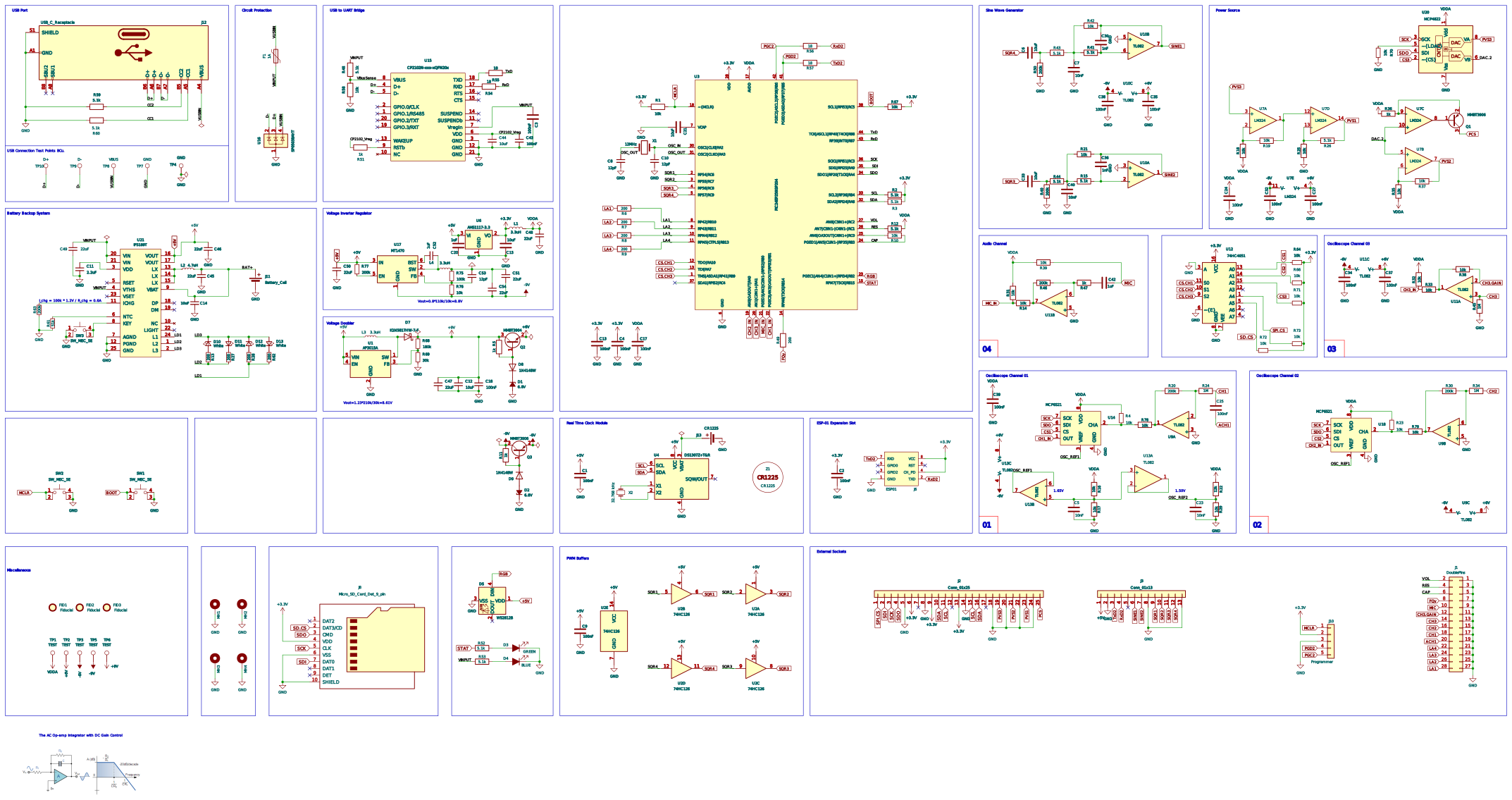
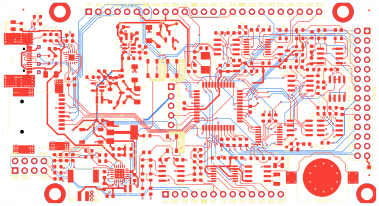
Replayed: On Justin K.'s screen, Charles H., Michael G. and your own hand rest on pads by the USB-C connector while he zooms in and out, and each hand stays on its pad. The colour row is the Share dialog's own: pick a colour and your hand on his screen wears it.
Your cursor colour · pick one
02

Selections and drags.

What someone selects is outlined in their colour. The parts they drag follow their hand as boxes until they let go, and the label names them.

Replayed: Charles H. picks R64, R66, R71, each outlined in his colour, and drags them — his label reads “Charles H. · moving R64, R66 +1” — then puts them back. Justin K. keeps U14 selected.

03

Routes and wires.

A route or a wire shows every corner laid so far and a dashed line to the pen, and a route's label names its net. When they finish, it lands on your board.

Replayed: Justin K. routes SDA from R3 to the header pin marked SDA, corner by corner — his label reads “Justin K. · routing SDA” — and the track lands.

04

Follow.

Everyone on the board is a face in the header. Click one and your view goes to theirs, and stays with them as they move. Click, scroll or press Esc to take it back.

Replayed: Your hand clicks Michael G.'s face and the header marks him followed — a ring round his face, and on a wider screen the words “Following Michael G.” — and your view goes to his while he routes PGC2, then Fit takes it back. The faces and the zoom control work.

Pocket Science Lab v6
—

Fig. 02 · One room on the same board, replayed — the colours and the faces work

Bring someone
onto the board.

Everyone you invite gets a cursor, a colour and the same board.