
Blog1 min read
We built a map of open-source hardware

HeyPCB
@heypcbaiThere are thousands of incredible open-source hardware projects scattered across the internet. But discovering them still feels like searching through repositories. You usually need to already know what you’re looking for.
We wanted to change that.
So we built HeyPCB Explore.
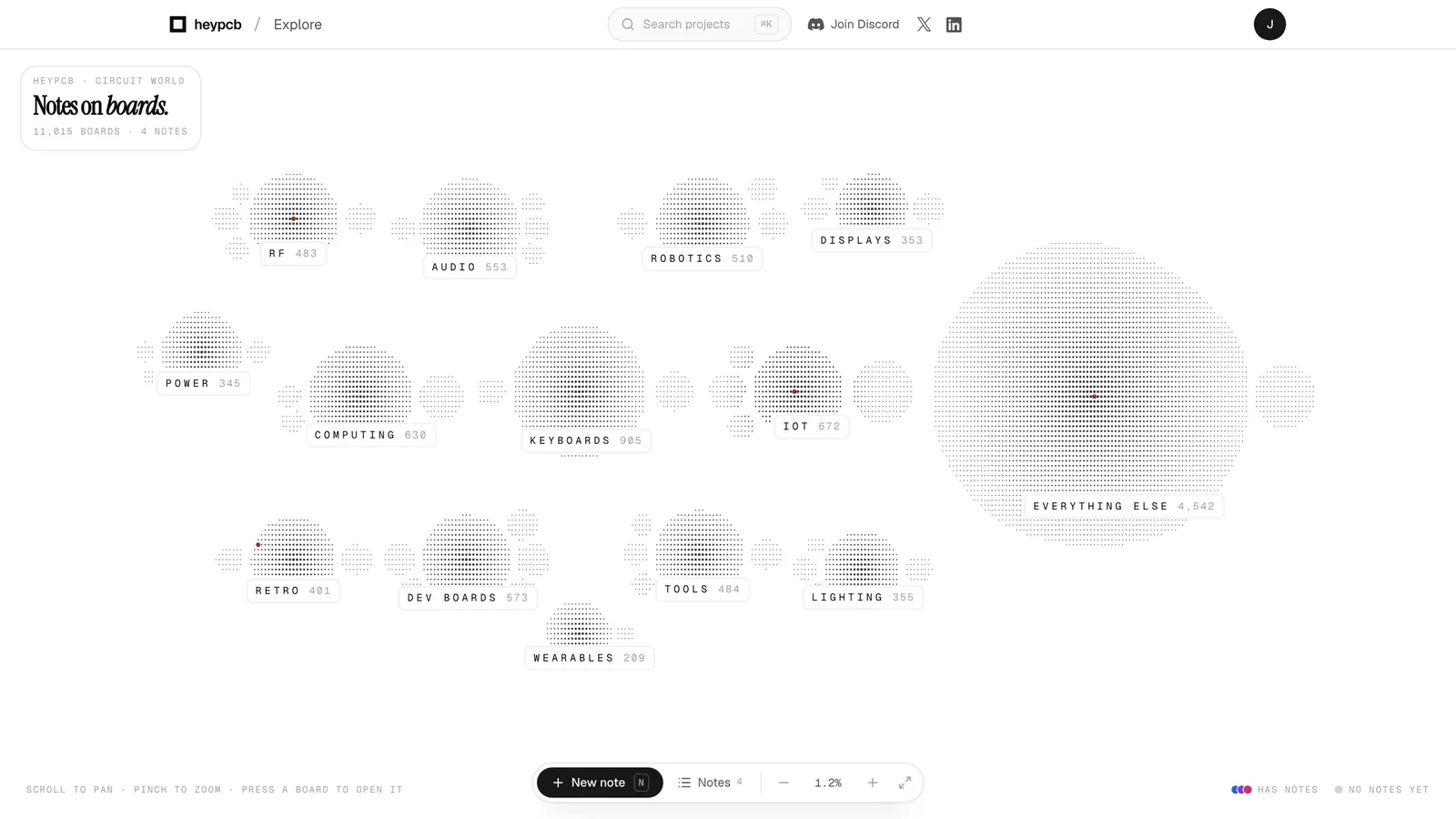
11,000+ boards. One map.
Instead of another directory, Explore turns Circuit World into a map. Zoom out and you can see entire categories of hardware. Zoom in and those categories turn into the actual boards people have built.
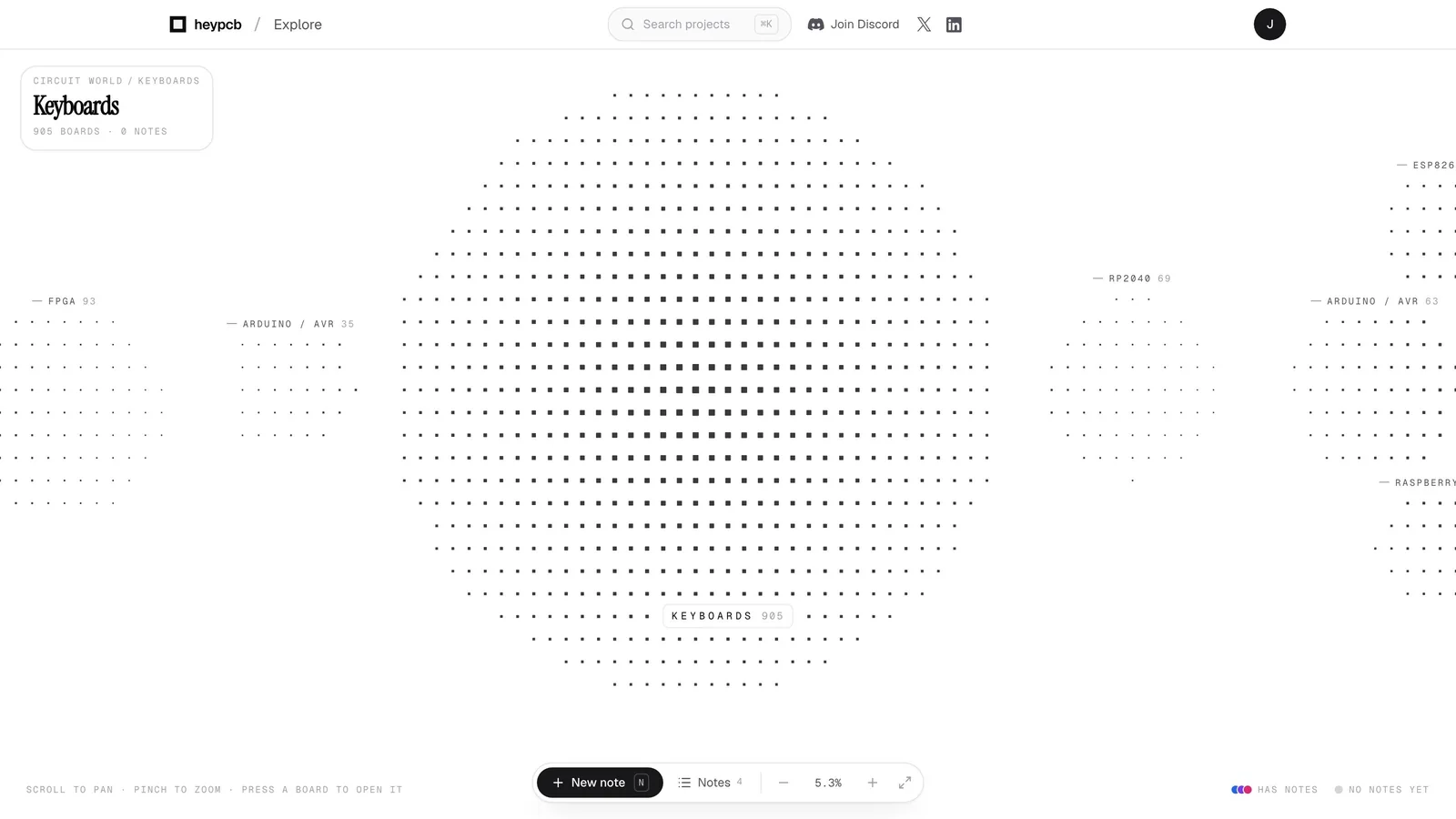
Every board has a place in the map. Keyboards, robotics, RF, audio, displays, power, wearables, dev boards, retro hardware, and thousands of projects that don’t fit neatly into a category.
The deeper you go, the more there is to discover.
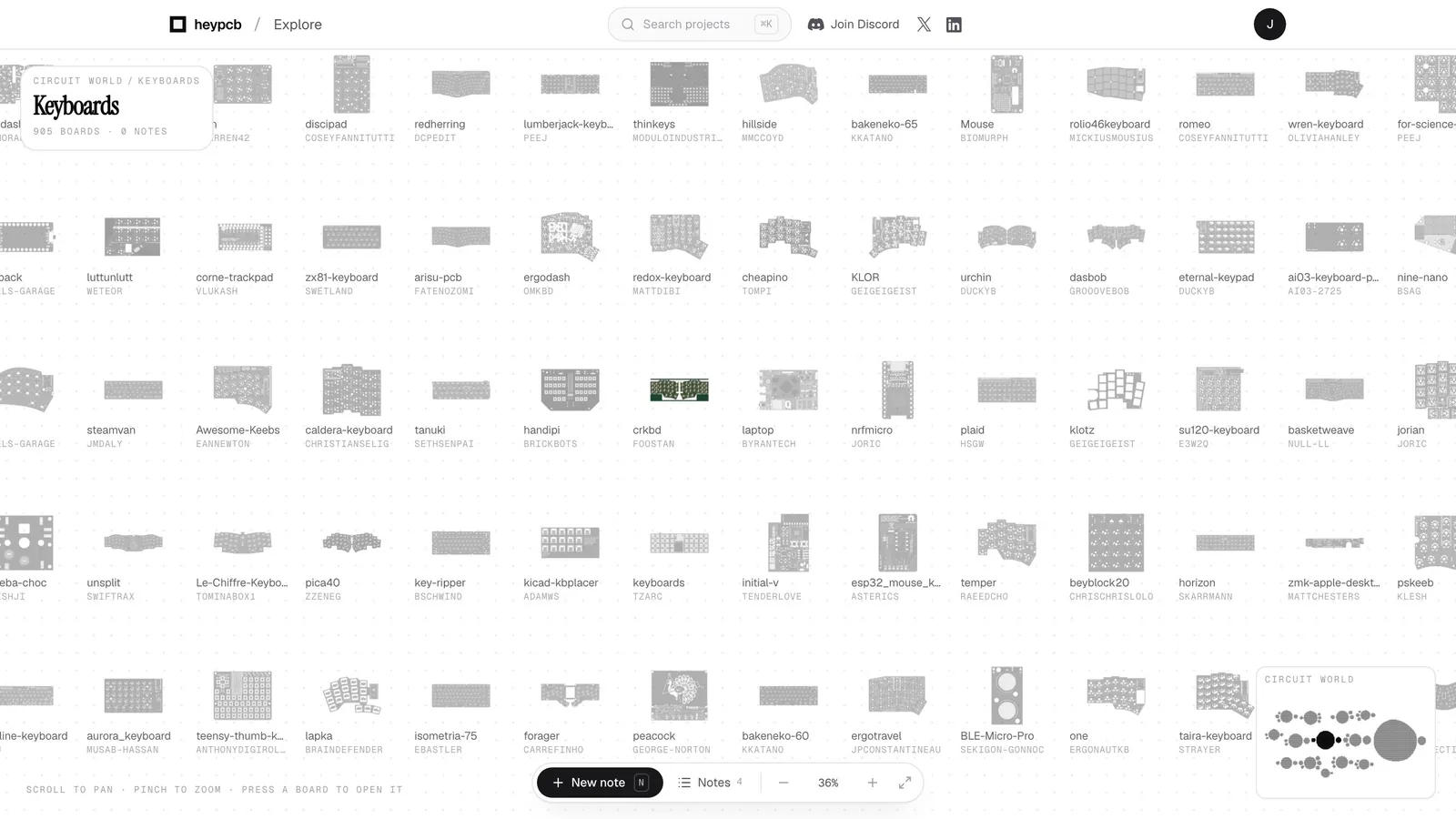
Every project is a real board you can open and explore. Click one and you can see the PCB, who built it, its dimensions, parts, and where it came from without leaving Explore.
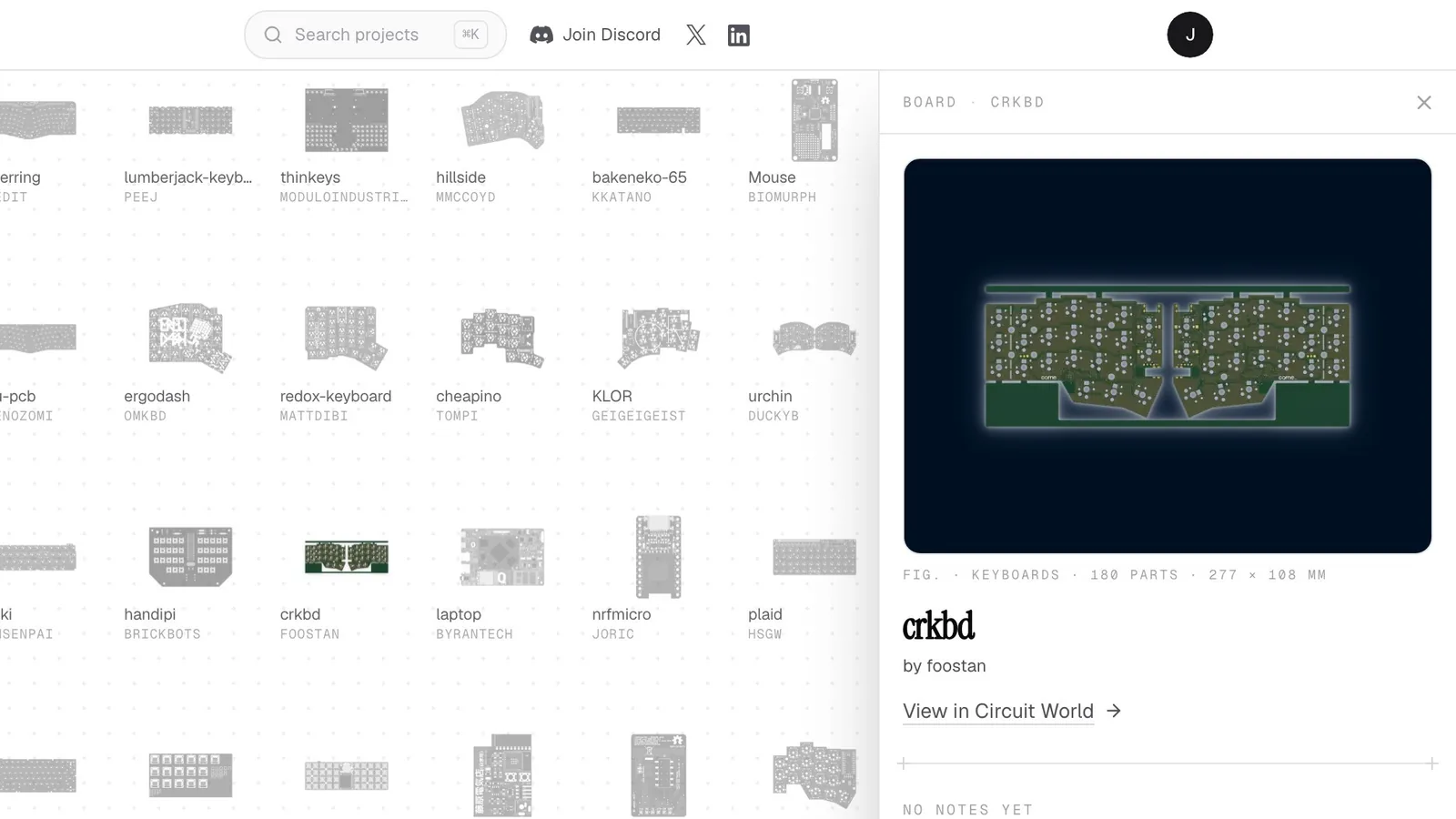
When you find something interesting, you can go deeper.
Open the project in Circuit World to see its design files, license, parts, nets, dimensions, and source. Download the files, or open the entire board directly in the HeyPCB editor.
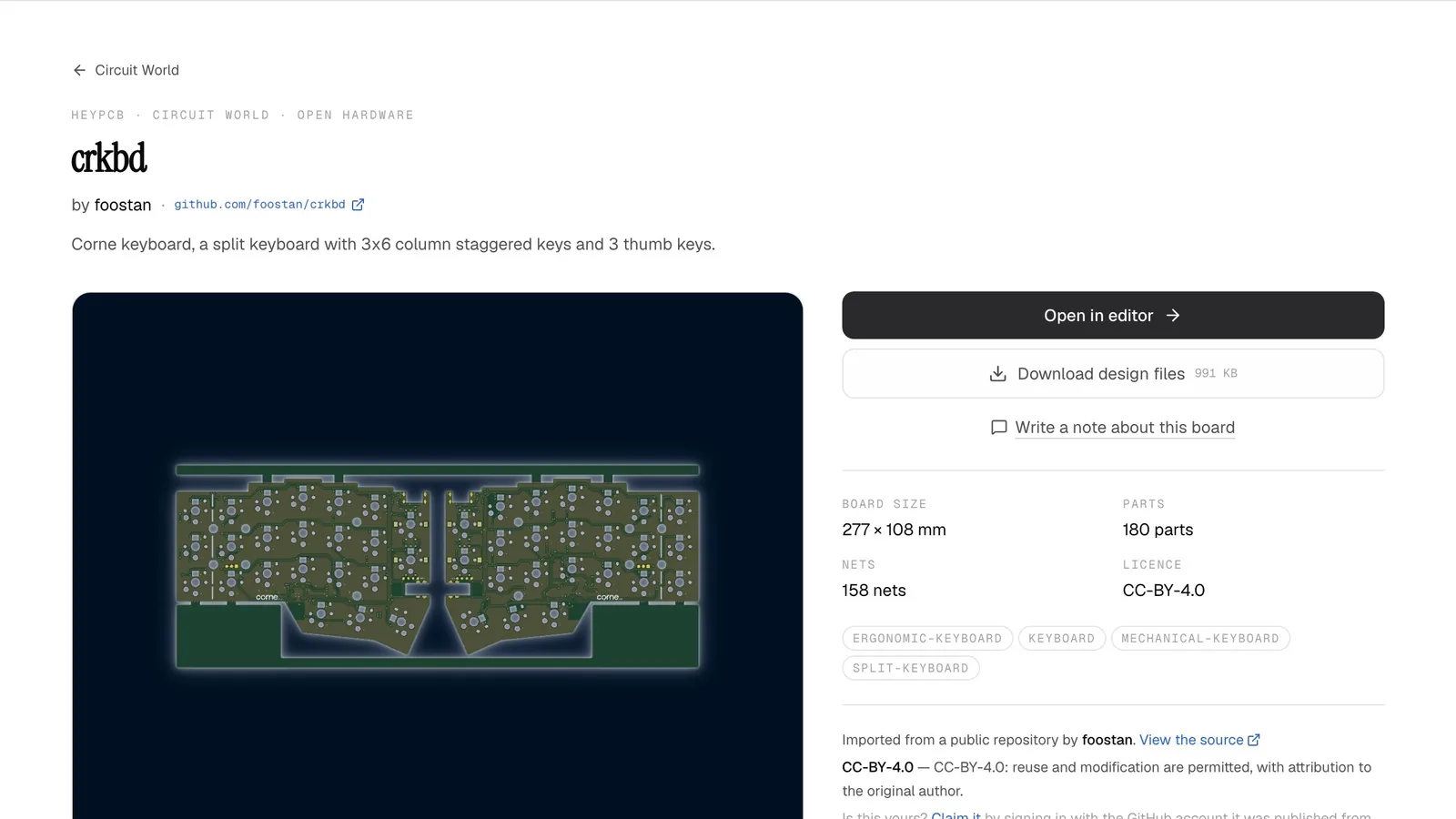
And this is where discovery turns into building.
Once a board is inside HeyPCB, you can actually work with it. Inspect the schematic and PCB, understand how it was designed, modify it, or ask Inky questions about the hardware.
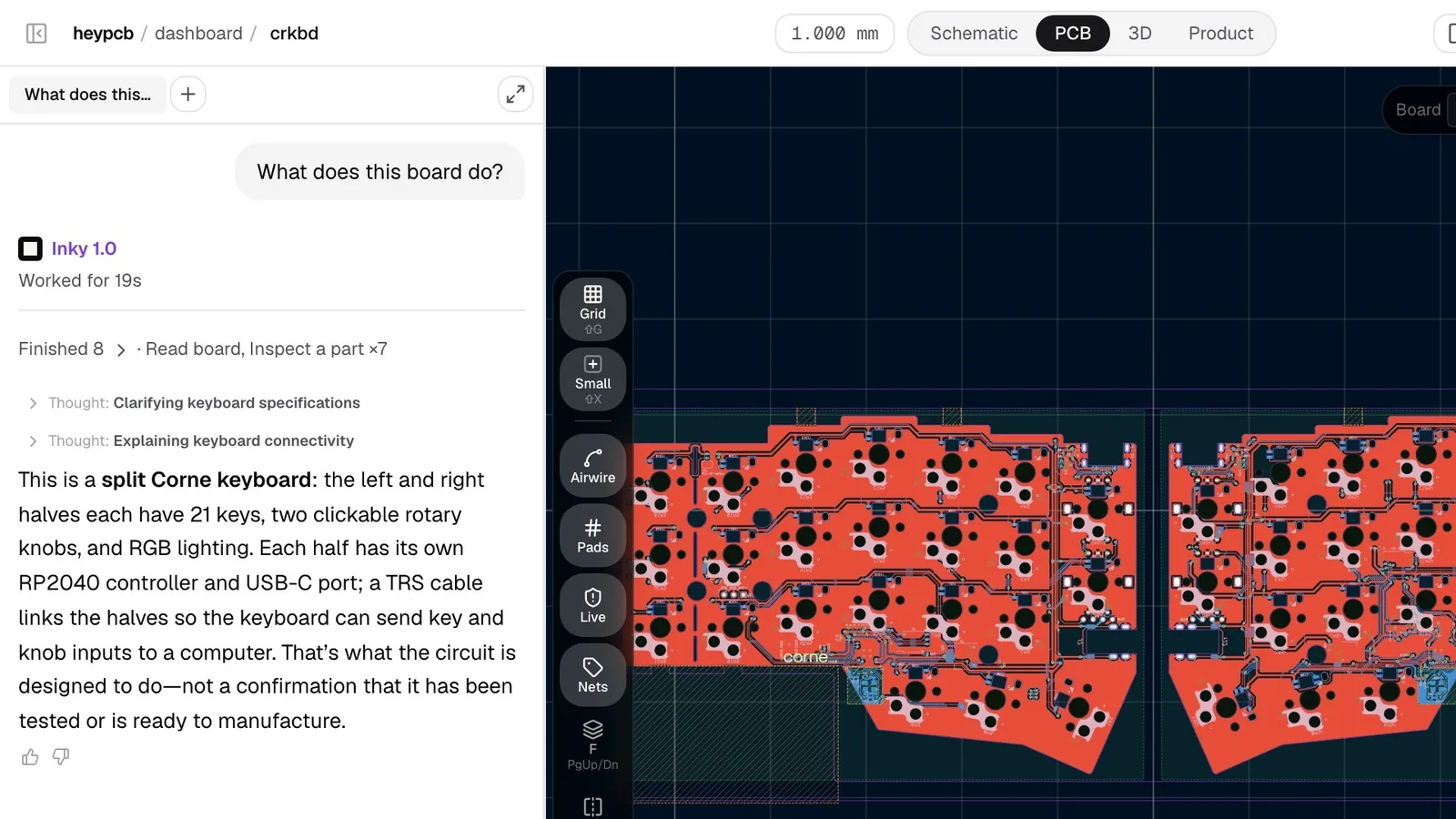
The internet already has an incredible amount of open-source hardware.
We don't think it needs another place to store it.
We want a place where you can discover something interesting, understand how it works, and start building on top of it.
That’s HeyPCB Explore.
First published on X