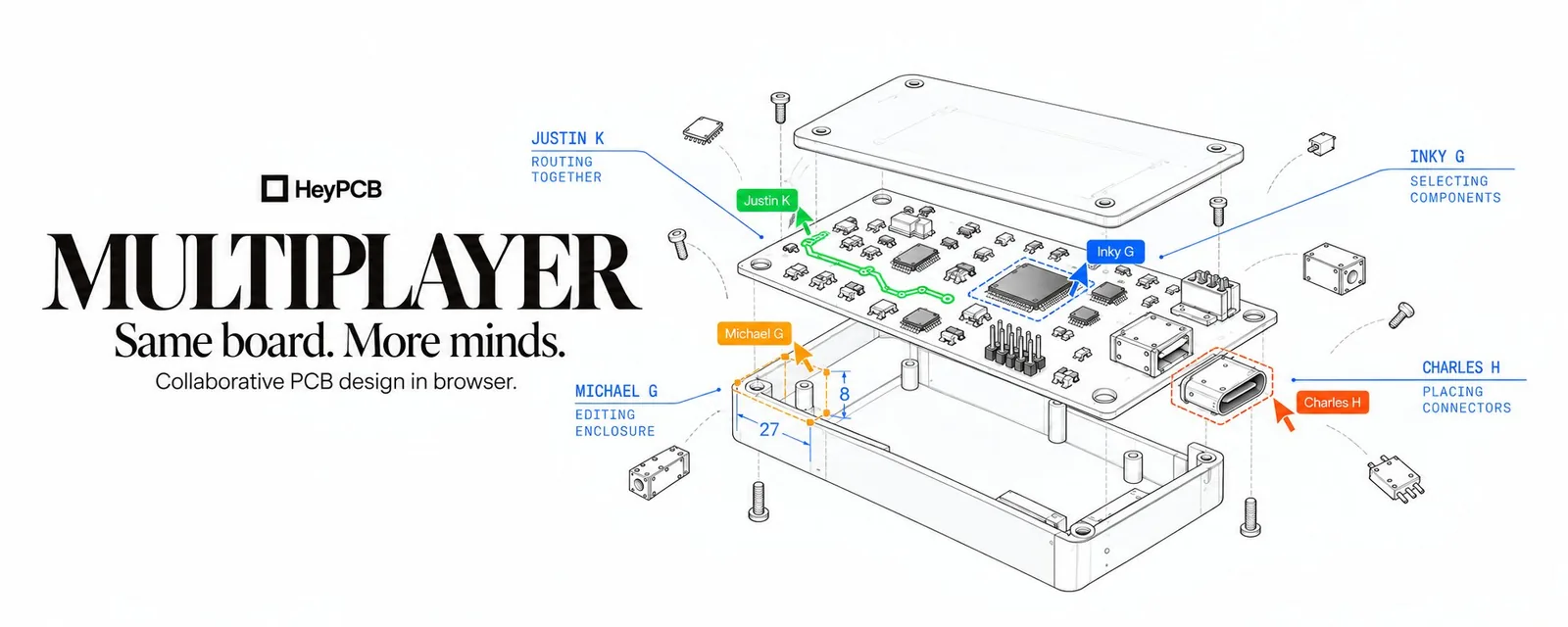
Blog1 min read
Multiplayer for PCB design is here

HeyPCB
@heypcbaiA lot of PCB collaboration happens before anything is saved: a part being moved, a trace being drawn, someone pointing at a pad.
Today we're launching Multiplayer on HeyPCB.
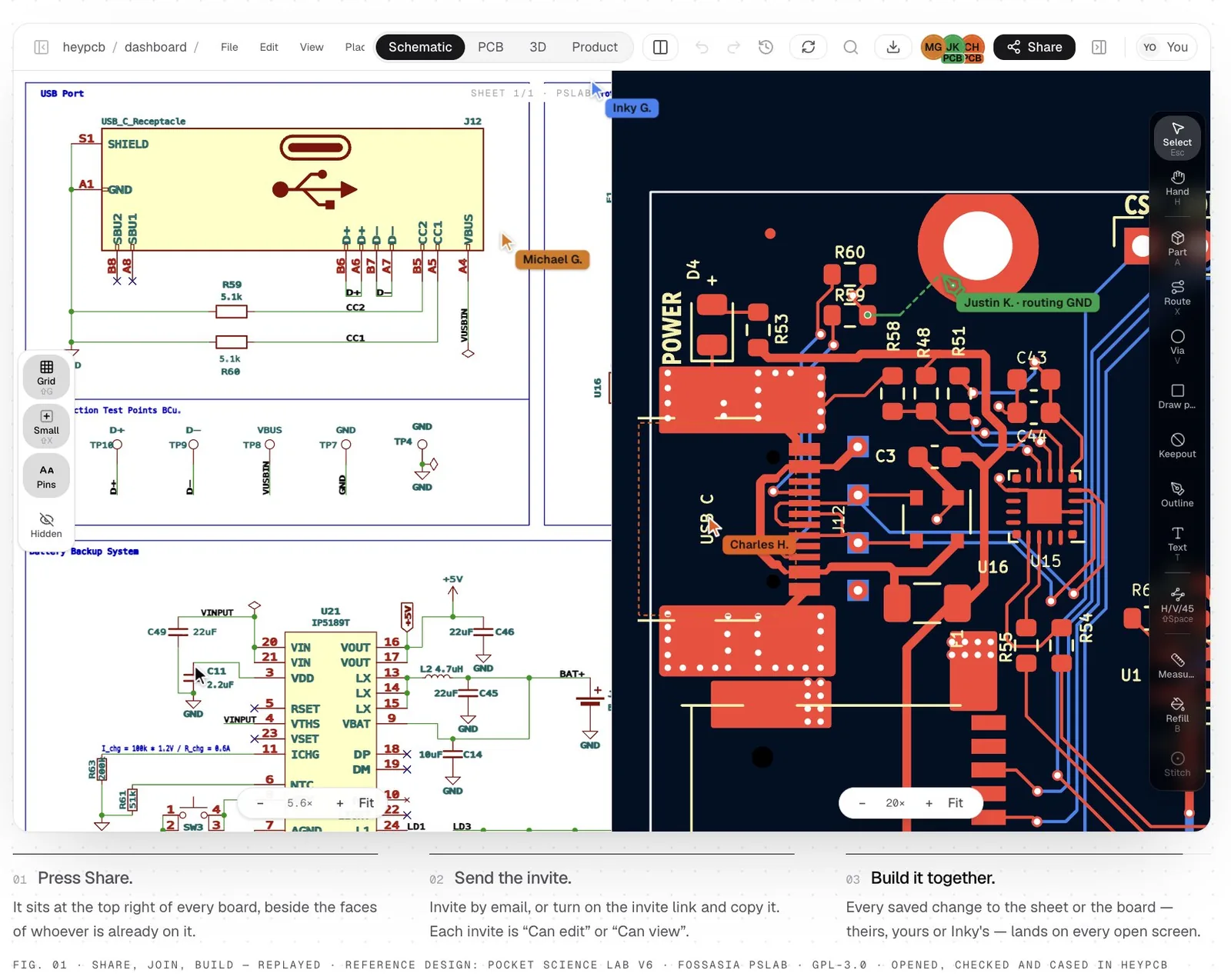
Open the same project in separate browsers and see your teammates work live: cursors, selections, drags, routes, wires, and the view they're looking at.
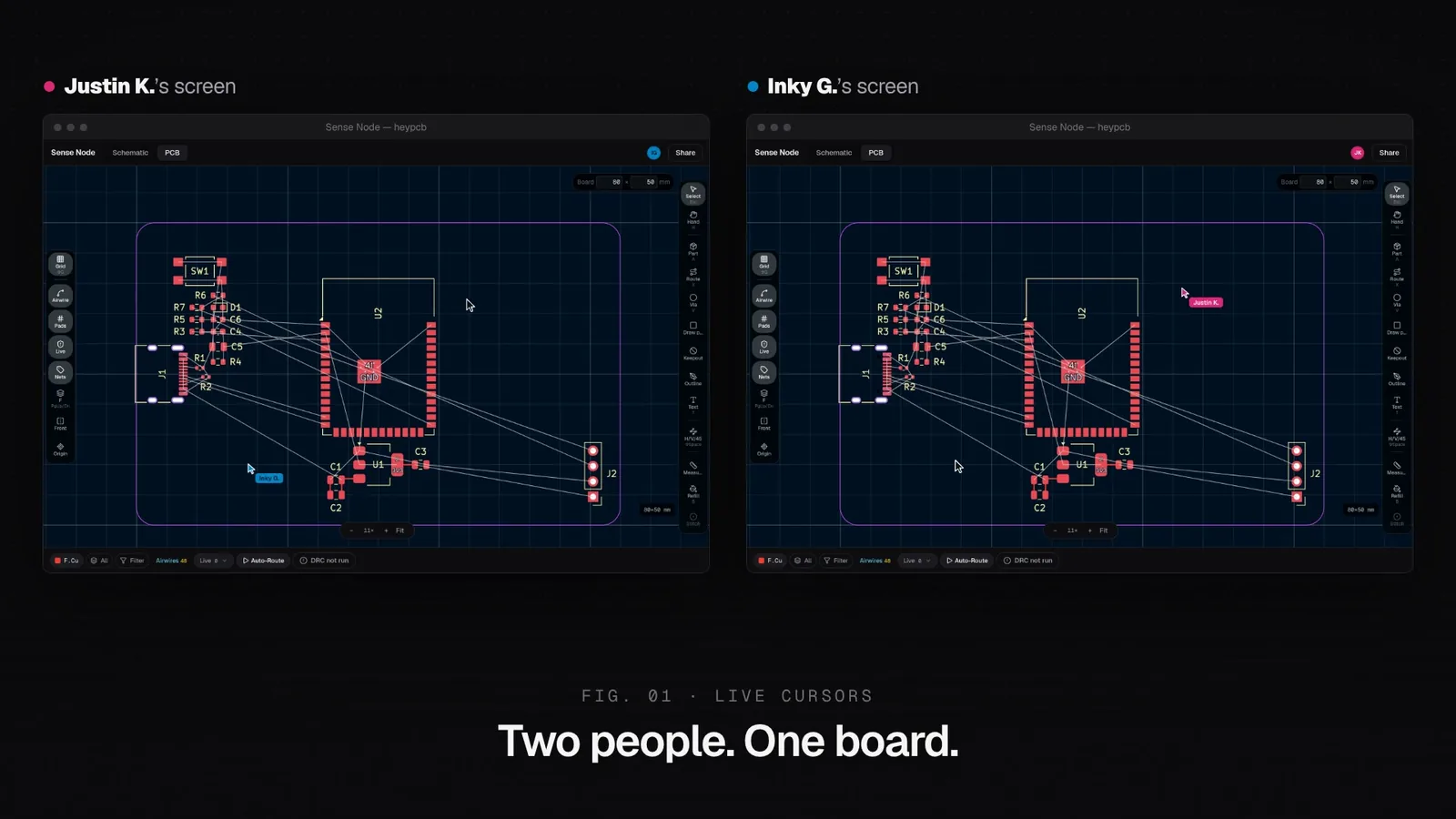
Cursors stay anchored to the same design point, even at different zoom levels. Selections show what someone means, and drags show where a part may go.
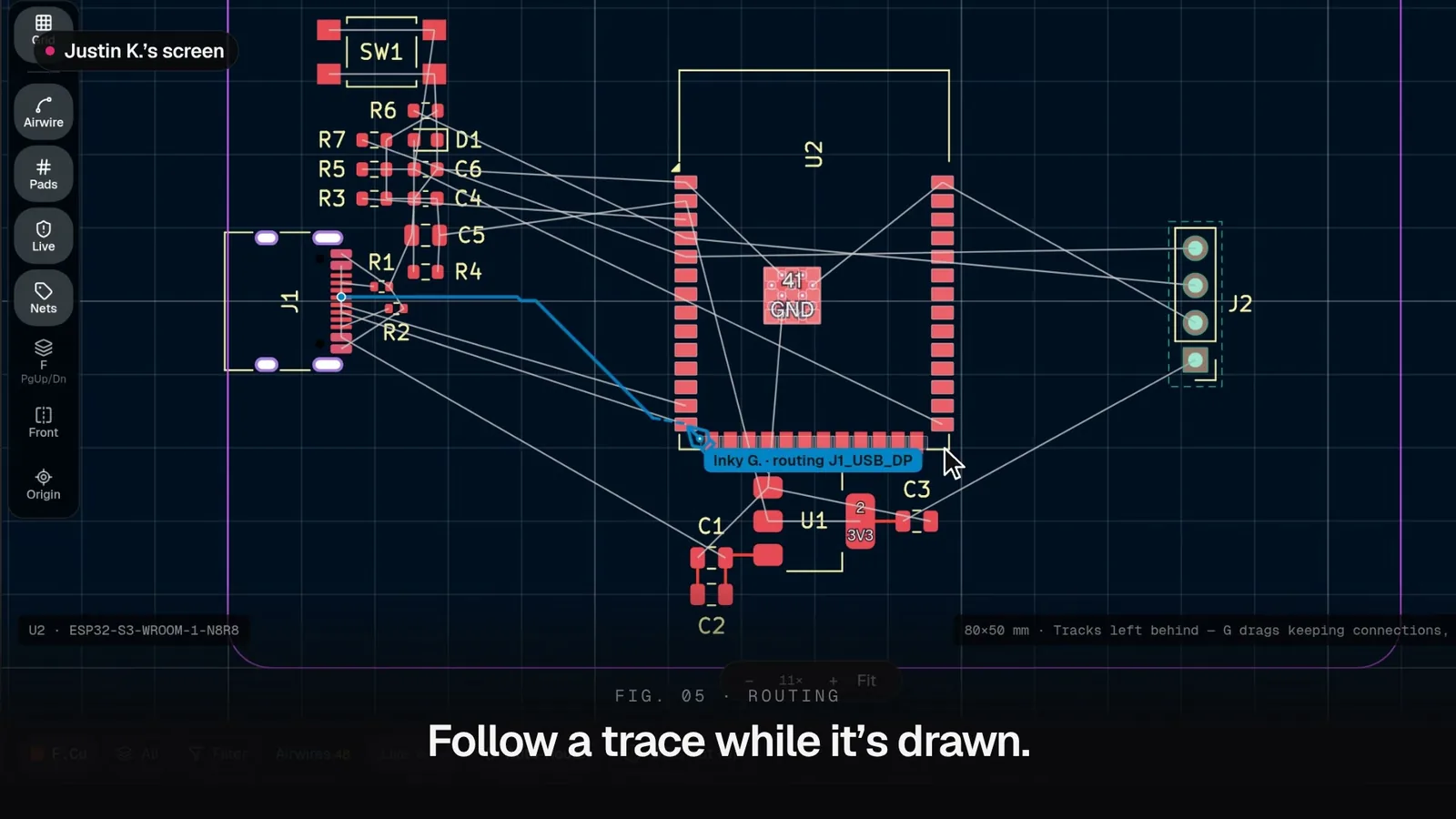
Routing works the same way. As Inky draws J1_USB_DP, Justin sees the live trace before it’s committed. Once saved, the route appears for everyone.
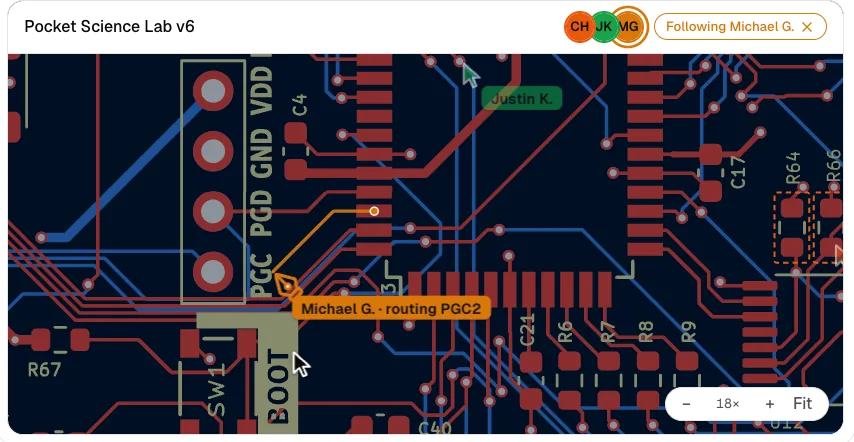
Sometimes you need more than a cursor.
Click a teammate's avatar and you can follow their surface, sheet, and viewport. If they move from the PCB to the schematic, you go with them. Scroll, click, or press Escape and you're free to look elsewhere again.
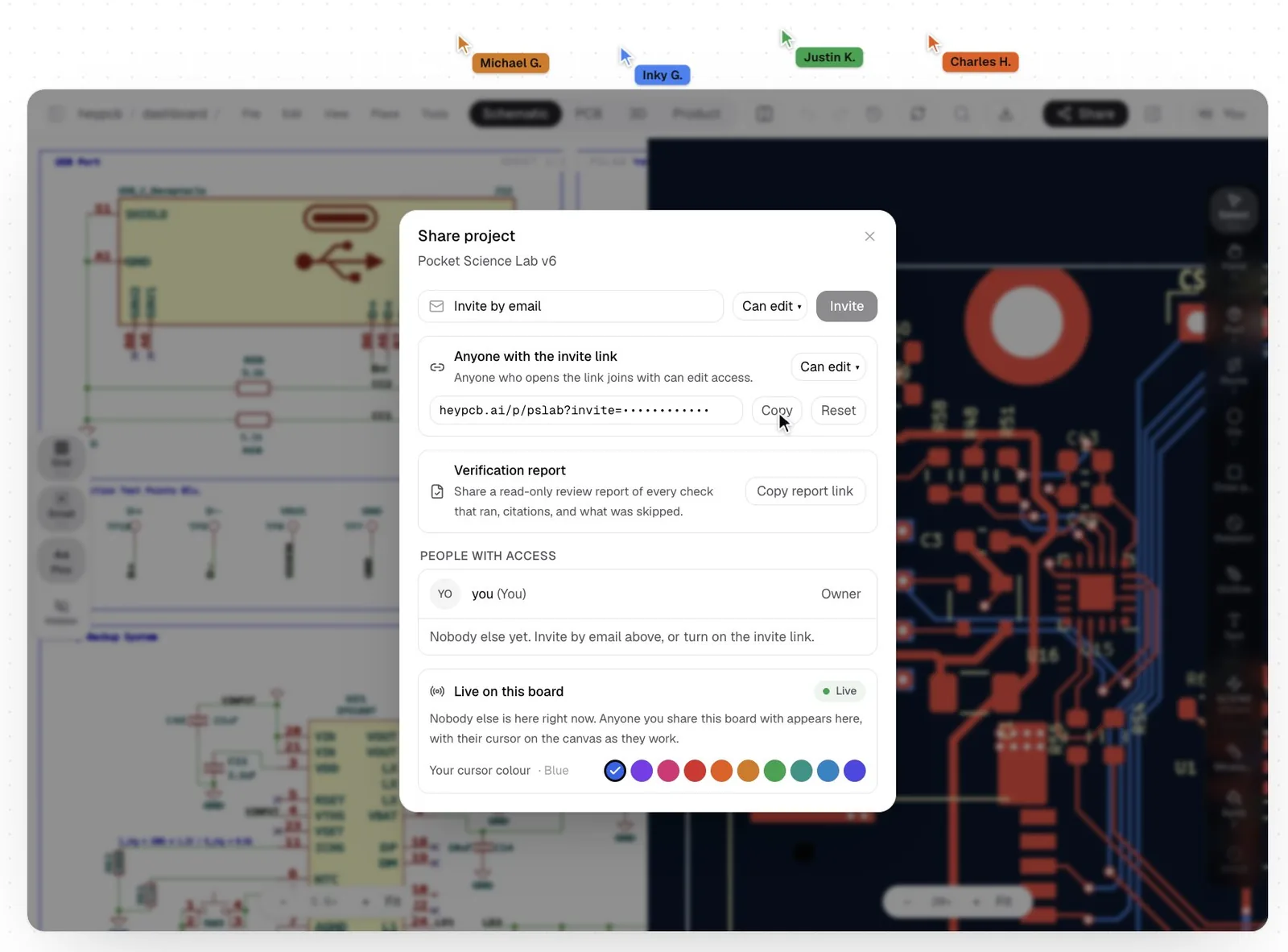
The Share button controls who joins. Invite someone by email, turn on an invite link, and choose whether they can edit or only view.
Editors can change the design and run Inky. Viewers can inspect and follow. When someone makes a saved edit, open tabs pick up that change too.
Multiplayer lives directly inside the schematic and PCB editors.
You can see who’s there, where they’re pointing, what they’ve selected, which parts they’re moving, and the routes or wires they’re drawing as they work.
Hardware has always been collaborative. The tools just haven't felt that way.
Multiplayer brings that collaboration onto the board itself, while the decisions are still being made.
Open the same project. See what everyone is doing. Build the next version together.
Same board. More minds.
First published on X