BlogHeyPCB MCP
Your Agent Can Now Build Hardware.
HeyPCB MCP lets AI agents design schematics, place parts, route boards, and export KiCad projects. Claude Code used it to build a routed 8×8 RGB display.
Coding agents can write firmware. But designing the circuit board it runs on has usually been a separate job.
We’re launching HeyPCB MCP to change that. It lets AI agents use HeyPCB to design schematics, place parts, route circuit boards, check their work, export real KiCad projects, and even design custom enclosures.
We tried it with Claude Code.
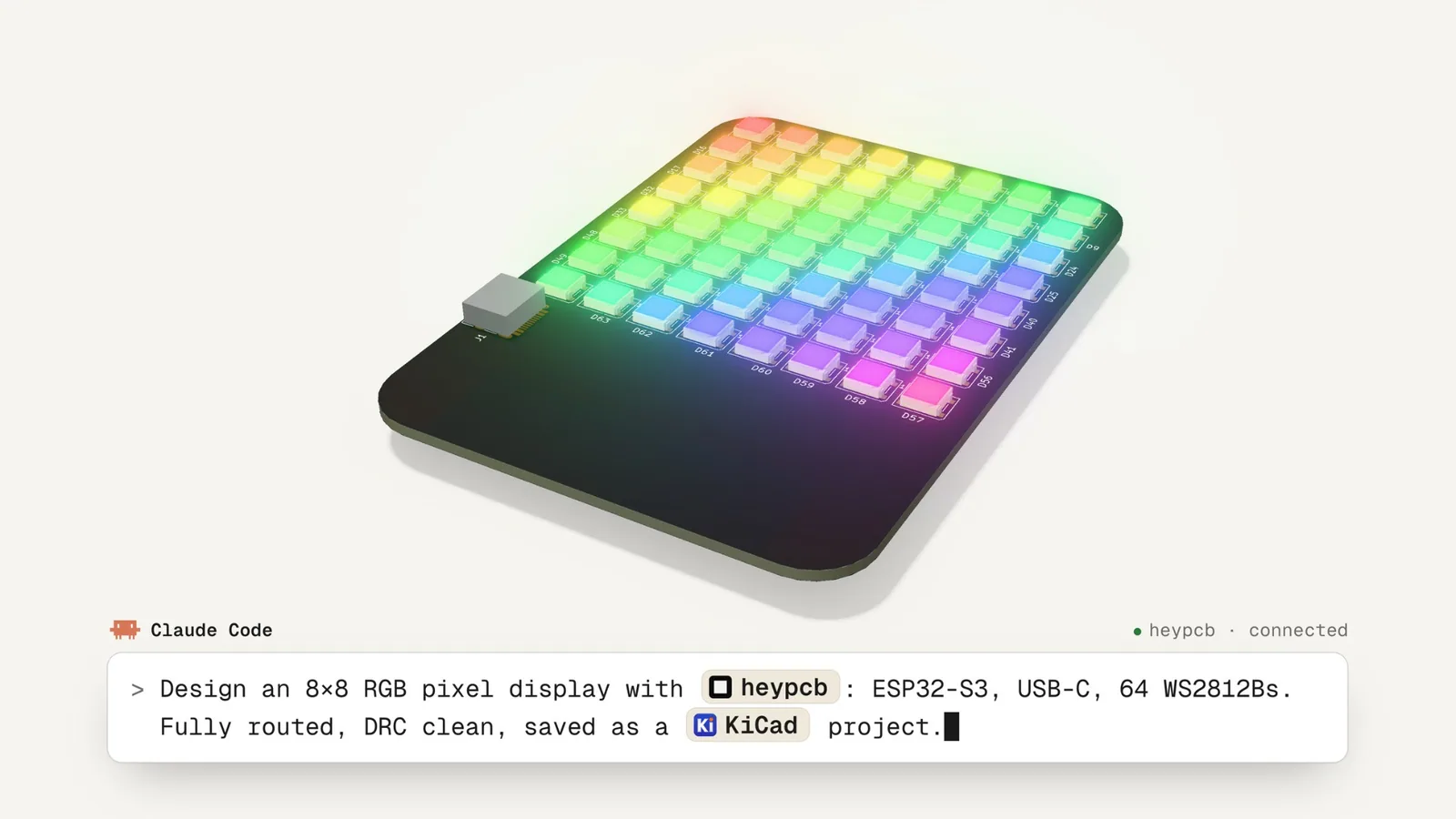
HeyPCB drew the schematic, placed 145 components on a two-layer board, routed the connections, and poured the ground planes
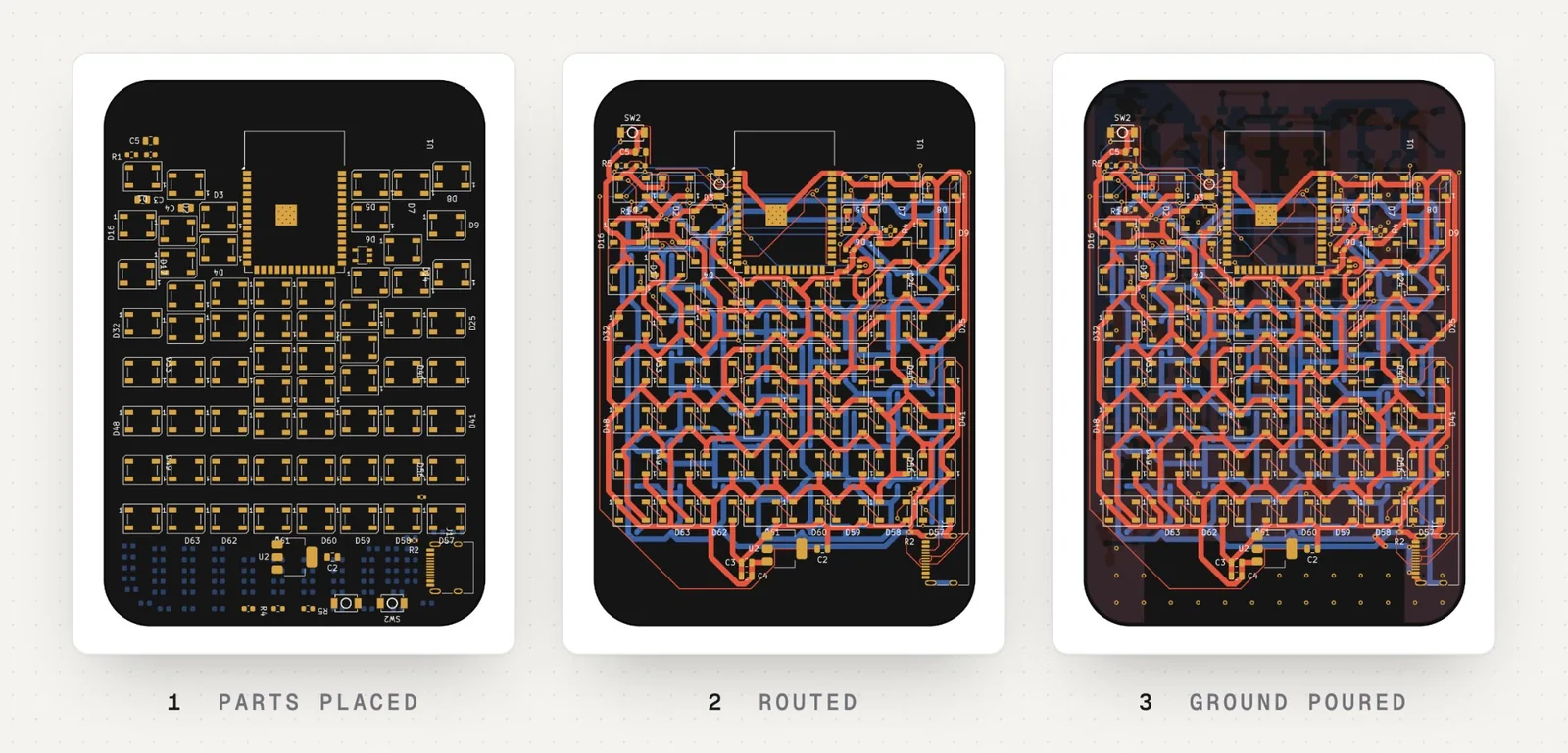
The interesting part came next. The first layout wasn't quite right. The LEDs weren't in a clean grid, and the ESP32 module was in the middle of the display.
Claude Code inspected the board and asked HeyPCB to put all 64 LEDs on an exact 8 mm grid, move the supporting parts to the back, and route it again.
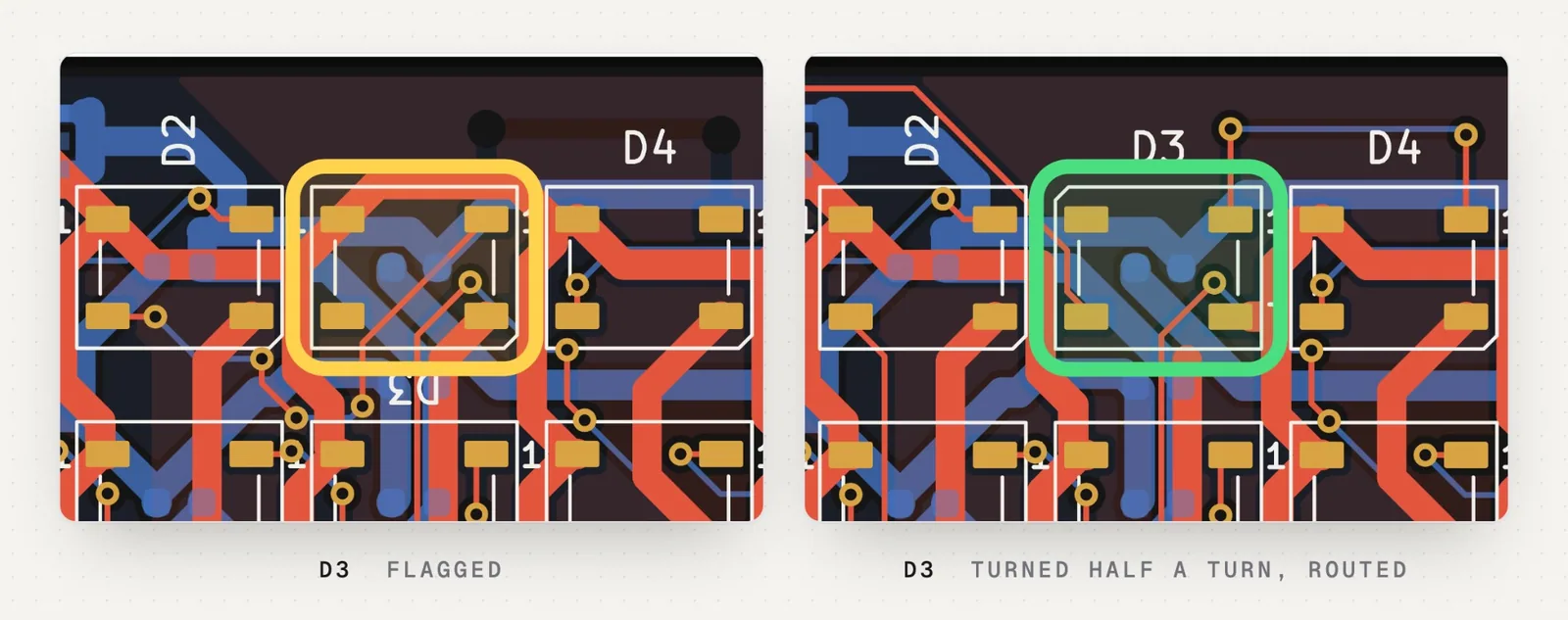
One connection still wouldn't route. The problem was a single LED: D3's data-out pad faced away from the next LED.
The agent rotated D3 by 180 degrees and rerouted the connection.
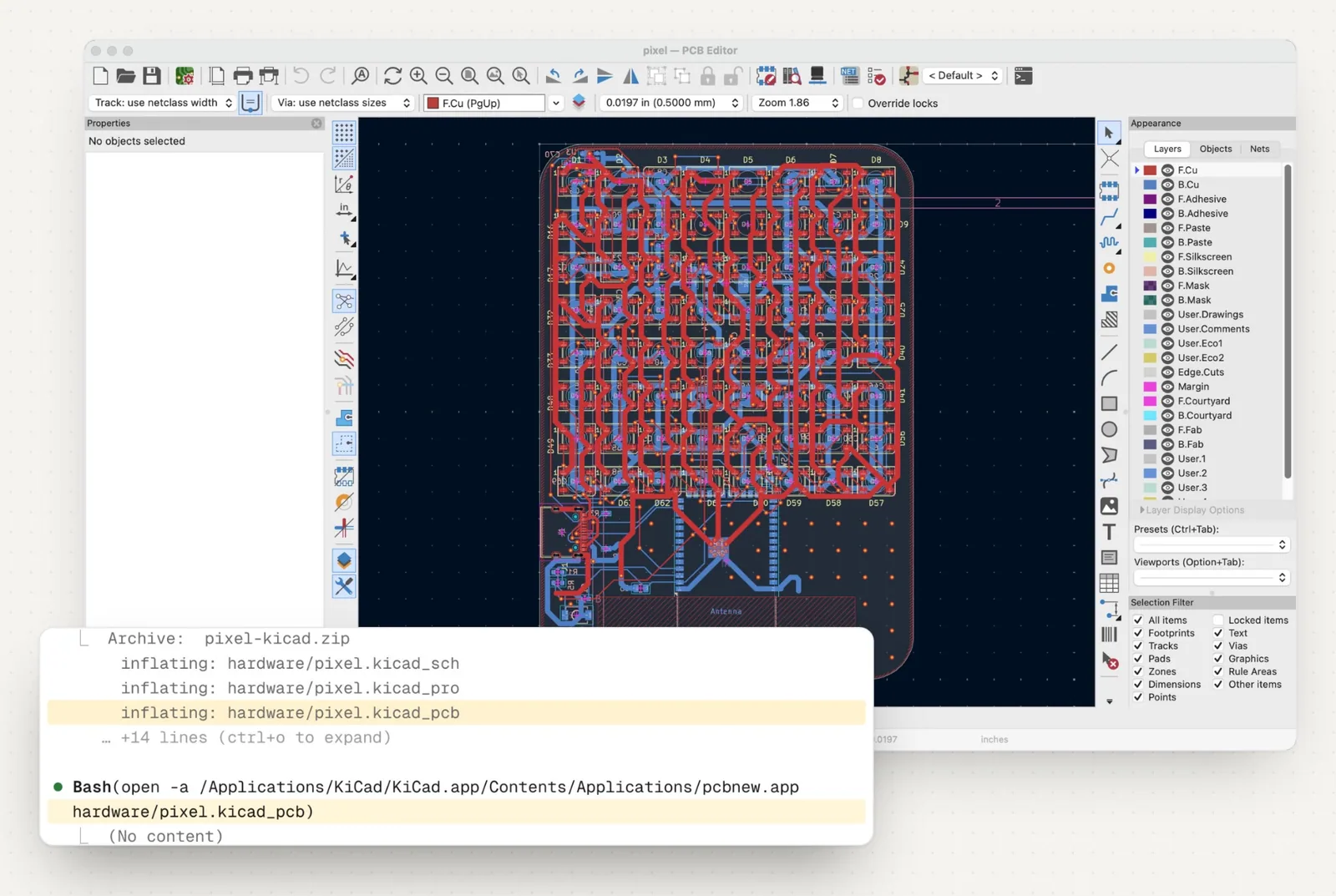
The result: 0 DRC errors. 0 ERC errors. No unconnected nets.
And it wasn't just a render. Claude Code exported the files, downloaded them, and opened the project in KiCad. KiCad's own design rule check also reported zero errors.
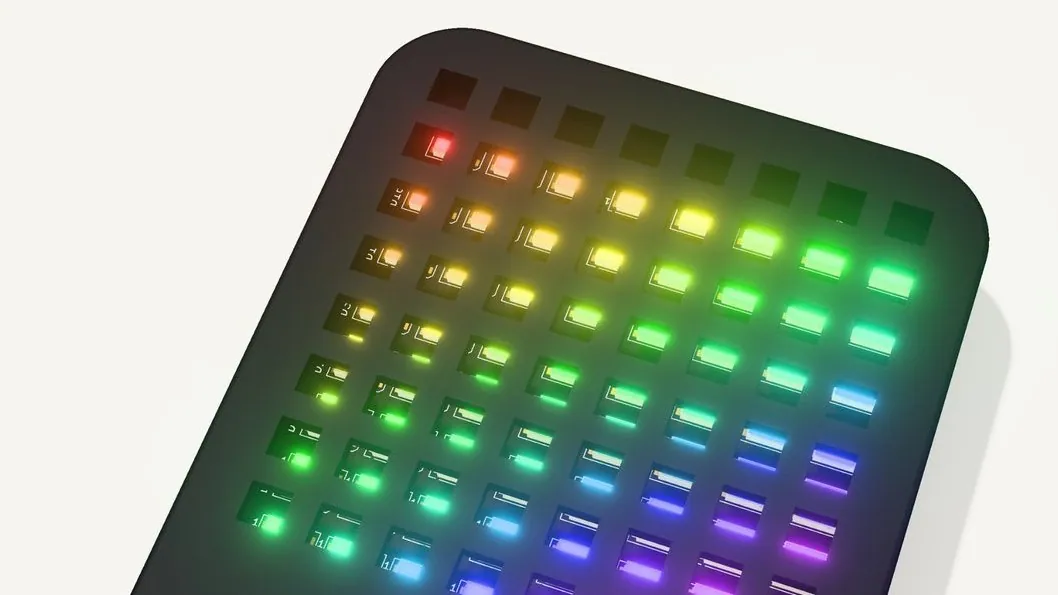
From circuit design to a fully routed PCB, working firmware, and a custom enclosure. All through your AI agent.
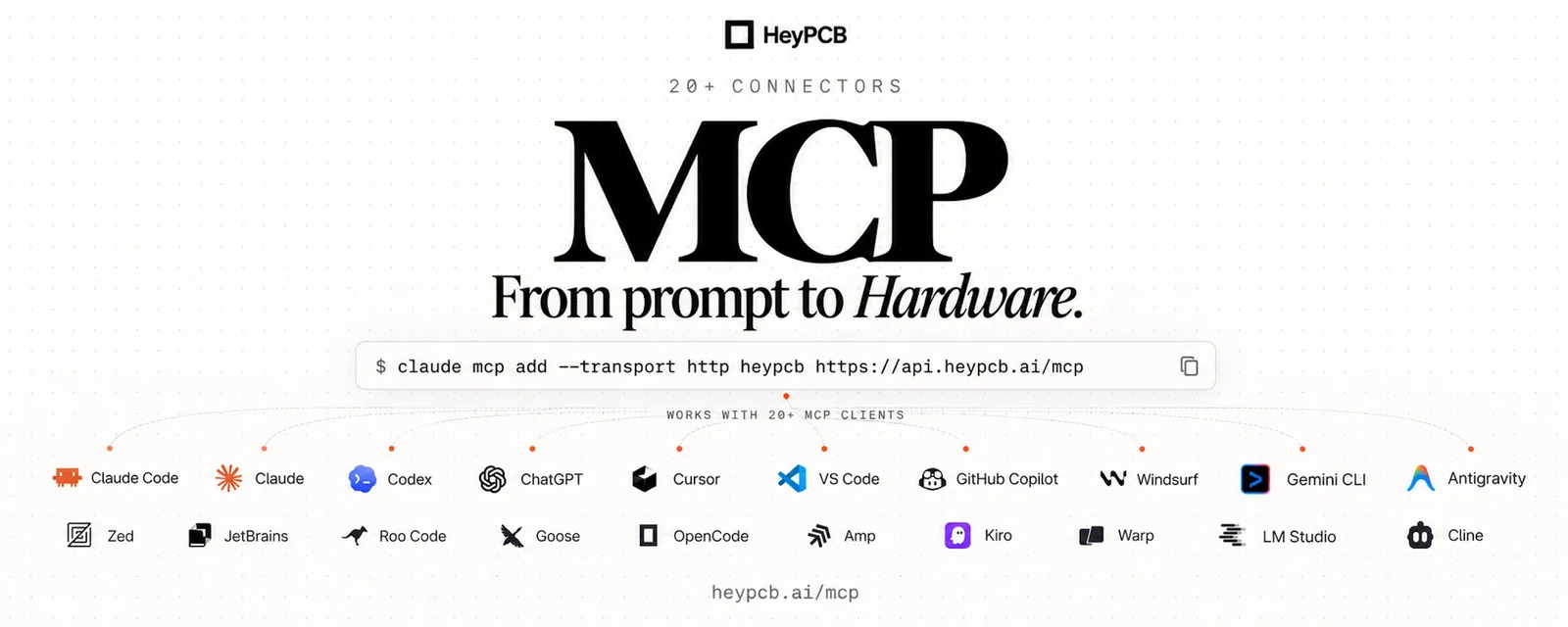
HeyPCB MCP works with Claude Code, Codex, Cursor, ChatGPT, and other MCP clients.
Connect Claude Code with one command: claude mcp add --transport http heypcb [https://api.heypcb.ai/mcp](https://api.heypcb.ai/mcp)